


Enable text compression
Your text-based resources, like CSS and JS, should be served compressed to your site’s visitors. Google PageSpeed will test this, and if they discover any files that are not compressed, but still might be optimized, then the Opportunities section of your report will list them, and this warning will be displayed.
Lighthouse will scan your files and flag any text files that do not include a content-encoding header set to br, gzip, or deflate.
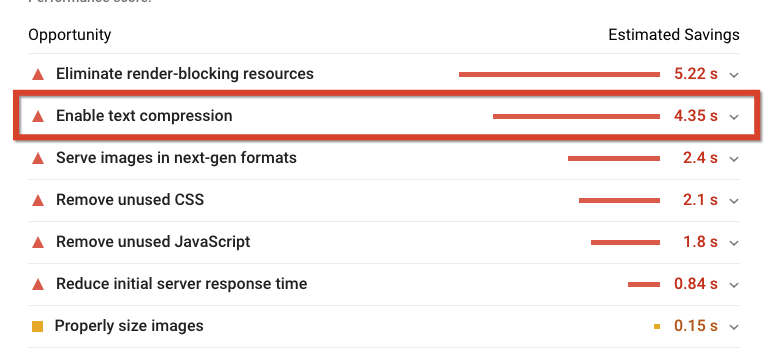
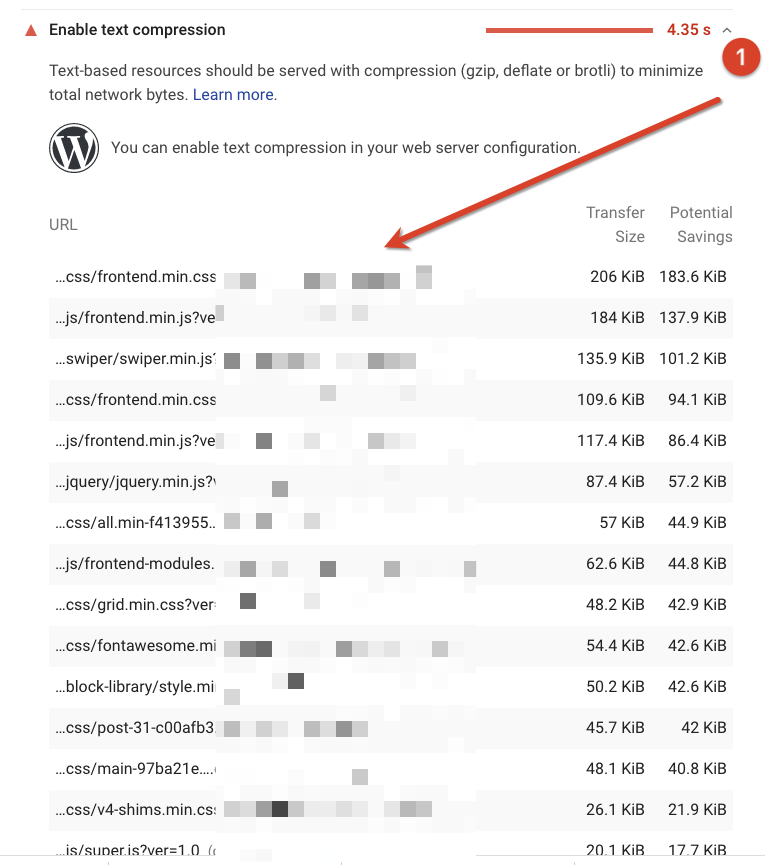
You can expand the recommendation to see which files are being listed here:
Why?
Compressing text files will reduce their size in Kb, this makes the file smaller and faster to download, so it has a direct impact on performance.
How to fix this?
WP Rocket will address this recommendation automatically for Apache/LiteSpeed servers, applying the correct configurations through your website’s .htaccess file.
For more details on how WP Rocket applies this optimization, and how you can apply this on other servers like NGINX please check the following doc: https://docs.wp-rocket.me/article/63-enable-gzip-compression