
What’s Important When Choosing a Caching Plugin?
When looking for the best WordPress caching plugin, don’t lose sight of what’s essential.
What Are the Top
Cache Plugin Alternatives?
With several cache plugin options to speed up your website, choosing the best one might seem daunting. Let’s take a look at some of the most popular ones.

WP Rocket
WP Rocket is not only the most powerful caching plugin on the market, it’s also very easy to use. No coding skills and no configuration is needed to start seeing results.
It’s compatible with most hosting and plugins, and comes with Rocket Insights – a free built-in hub for tracking performance and getting clear guidance on what to optimize next.
Pricing starts at $59/year, and includes regular product updates and customer support.

LiteSpeed
LiteSpeed Cache is a powerful free WordPress caching plugin.
This plugin is intended to be a server-level caching plugin, as a result its caching benefits are only available to LiteSpeed server users.
Although the product is regularly updated, it is not completely up to date when it comes to the Core Web Vitals.

FlyingPress
FlyingPress is a modern WordPress performance plugin focused on improving loading speed and Core Web Vitals through lightweight optimization techniques.
It includes tools for code, image, and database optimization.
The plugin is easy to set up. However, it is a premium-only solution. Pricing starts at $59/year and includes ongoing updates.

Nitropack
NitroPack is a less popular choice for caching but still delivers some nice features for website speed.
However, you’ll need some technical knowledge to make sure some features aren’t faulty on your website.
It is on the pricey side with plans starting at $21/month. For that price, you do have access to customer support.
Discover Why 5.5+ Million Websites Use WP Rocket
4 reasons to choose WP Rocket
3-Minute Setup,
Immediate Results
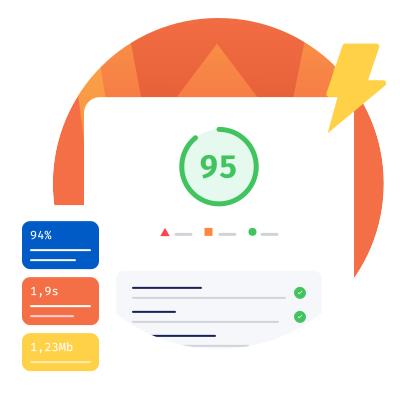
Install, activate, and enjoy the speed boost right away. WP Rocket automatically applies 80% of web performance best practices upon activation, with no additional setup required. No need to touch the code. The default configuration does the heavy lifting for you.
Want more control? Dig into the advanced settings and fine-tune to your exact needs.
Powerful Features and
Built-in Guidance
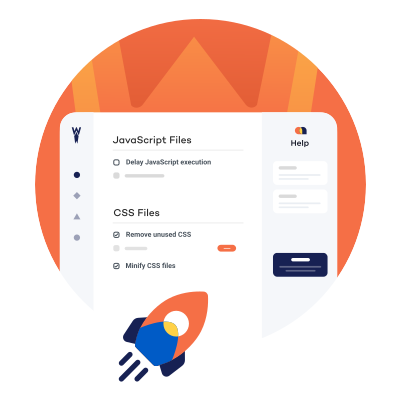
WP Rocket goes beyond caching with advanced optimizations like delaying JavaScript, removing unused CSS, and lazy loading, so your pages load faster and your user experience improves.
With Rocket Insights built in, you get clear optimization guidance and can track your performance over time.
Unique Compatibilities
Keep using your favorite tools without worrying about compatibility. WP Rocket is the only caching plugin accepted by the top managed WordPress hosting providers: WP Engine, Kinsta, and Pressable. We work closely with theme and plugin developers to avoid conflicts between our products.


Updates and Support
WP Rocket is regularly updated to keep up with the latest performance standards, so your site continues to benefit from the latest optimizations. And if you ever need help, our support team is ready to assist. Friendly, reliable support is included with every license and available across multiple time zones, so you’re never left to figure things out on your own.
WP Rocket Now Includes Built-In Performance Monitoring
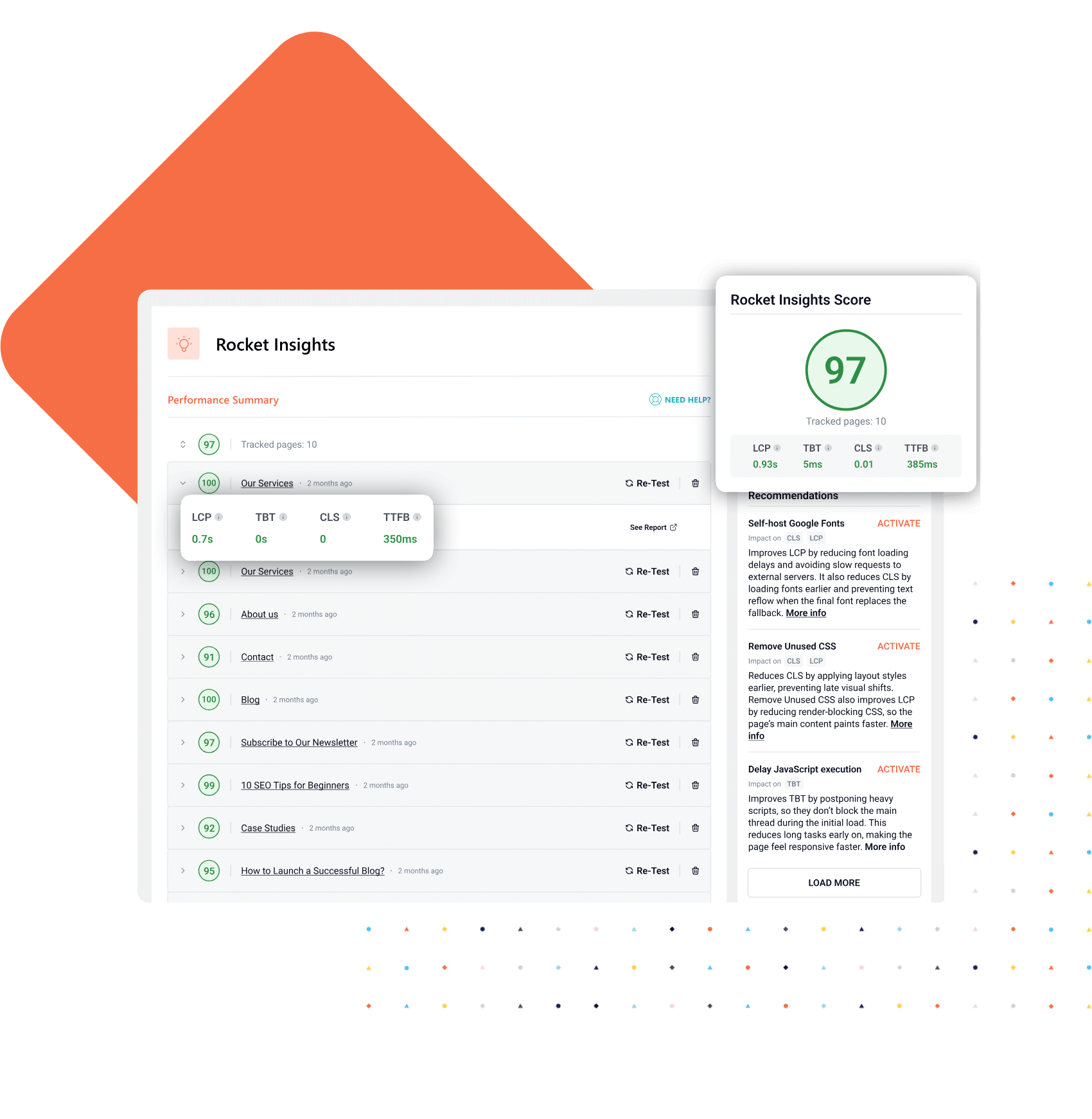
With Rocket Insights, the performance hub inside WP Rocket, you can monitor your key pages, understand what’s impacting your score and metrics, and get clear recommendations on what to optimize next.
Included for FREE in any WP Rocket license.
Stellar Results in No Time
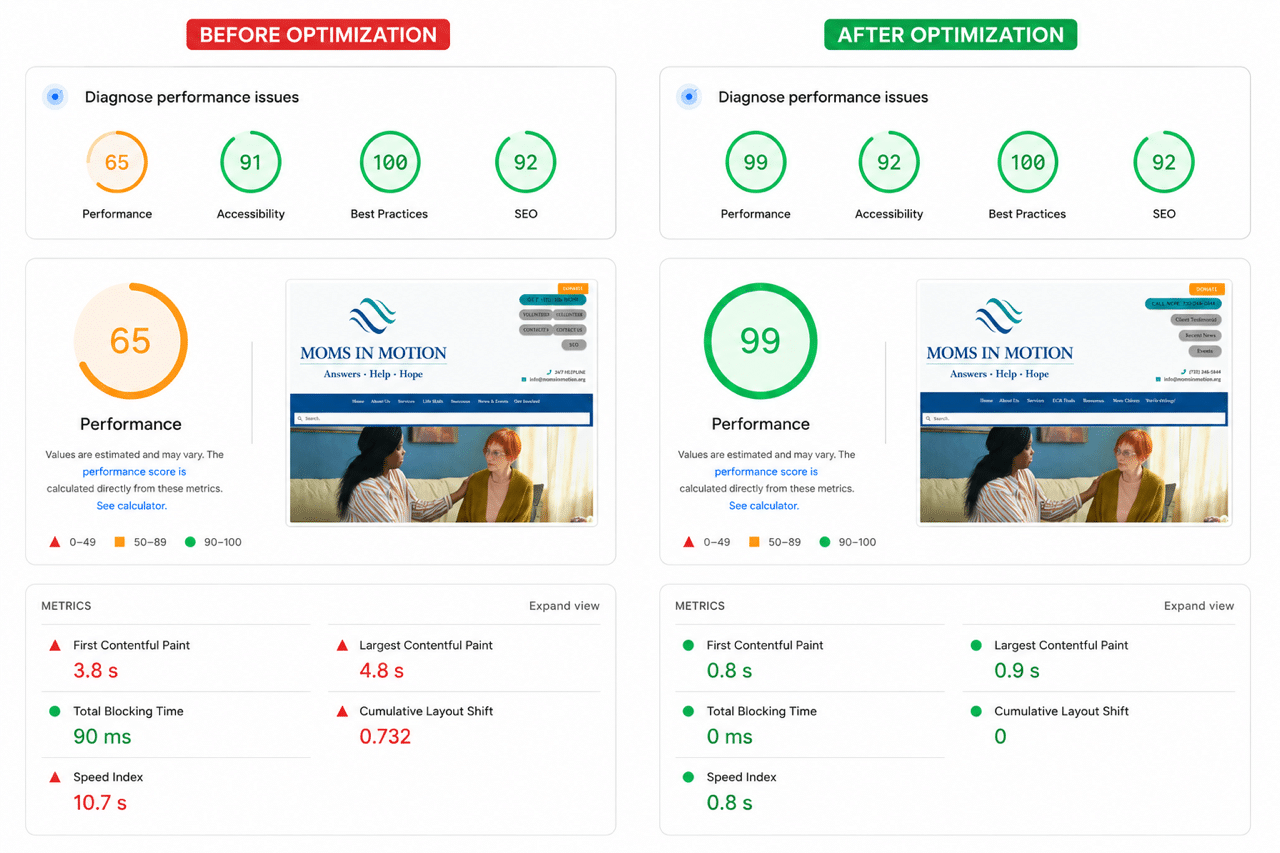
See the performance GruffyGoat Agency achieved with WP Rocket.
WP Rocket is the rare tool we never have to sell internally and never have to apologize for. It does what it says on every site, and then it gets out of the way.

Don’t Just Take Our Word For It
91%* of our customers have switched from free caching plugins to WP Rocket!
Excellent Support Experience with WP Rocket 🚀
I had previously used FlyingPress, but they didn’t provide any meaningful technical support. Because of that, I canceled my subscription and switched to the WP Rocket plugin. With WP Rocket, Rosa M. (Support Engineer) was incredibly helpful from a technical standpoint and played a major role in improving my website’s speed. I would like to take this opportunity to thank her once again.
Ersin Büyüksarı
Excellent plug in for speeding up…
Excellent plug in for speeding up website. We used Nitropack before this but this is much more stable and better value for money.
Richard James
A Better Performance Starts Here
Choose the license that best fits your needs
Taxes may apply depending on your country of residence.
Speed Guaranteed
Try WP Rocket for 14 days and boost your website speed. Not satisfied with the results? You can cancel your trial or get a full refund, no questions asked.
Popular Questions
Who should use WP Rocket?
Anyone with a WordPress website should use WP Rocket! It works for sites large and small, no matter the type. From a simple blog to an online store, WP Rocket will accelerate the loading time! WP Rocket is easy enough for non-technical WordPress users, but extensible enough that seasoned developers can customize it to their liking.
What’s Rocket Insights, and how does it help optimize my website performance?
Rocket Insights is the built-in performance hub inside WP Rocket that helps you monitor your website performance, understand what’s impacting it, and take action with clear guidance when needed.
It gives you a global view of your website along with detailed metrics for each tracked page, shows you which WP Rocket features to enable based on your results, and lets you re-test anytime to measure improvements.
Everything happens directly inside your WP Rocket dashboard, so you can optimize your website performance step by step without guesswork or switching between tools.
What are the requirements for WP Rocket?
A minimum of PHP 7 is required. WP Rocket will work on any of these servers: Apache (with mod_rewrite, mod_expires, mod_deflate), NGINX, Litespeed or Windows. “Pretty” permalinks in WordPress are required.
Do you offer support if I need help?
Yes, our team of Rocketeers is standing by to help you! Submit a support ticket any time from the Support tab in the plugin and we’ll be happy to assist.
Can I use WP Rocket on client sites?
Yes, you can use our Multi License to set up WP Rocket on your customers’ websites. Please note you need to respect our intellectual property.
If you are offering hosting services, you cannot use the Multi License for your clients. Instead, we offer a Reseller Program specifically for you.
In case you want to promote WP Rocket, we have an Affiliate program that you might be interested in.
Does WP Rocket work on WordPress.com?
Yes, if you have a Business or eCommerce plan on WordPress.com, you can install WP Rocket on your websites. If you have opted for a Personal or Premium plan, you cannot add WP Rocket or other plugins to your websites.
Is WP Rocket compatible with my host, theme or page builder?
There’s a great chance it is! WP Rocket is compatible with 99% of hosting companies. It’s also compatible with the most popular themes and page builders. See our Compatibilities page for more info on specific hosts, themes and page builders.
Skyrocket Your PageSpeed Score