


WPtouch not working
There are 2 versions of WPtouch:
- WPtouch (free)
- WPtouch Pro
WPtouch (free)
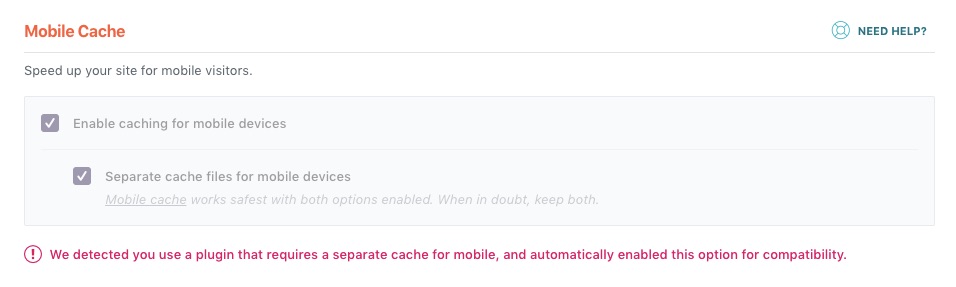
WP Rocket is automatically compatible with WPTouch (Free). When it is activated, WP Rocket detects it and automatically enables both our mobile caching settings:
WPtouch Pro
With Power Pack
WPtouch Pro has extensions available for it, including Power Pack (formerly Infinity Cache), which is a WPtouch-specific caching solution. If you have enabled this add-on, please follow the directions provided by WPtouch for configuring WP Rocket: Configuring cache plugins for WPtouch
Without Power Pack
If you are using WPtouch Pro without PowerPack, you can use WP Rocket’s mobile caching – you must activate both our mobile caching options in this case.
Tablets
WP Rocket treats tablets as desktop, not mobile. So if your WPtouch mobile theme has a tablet-specific view, you should exclude tablet devices from our caching. Please see:
Wrong Display for Mobile, Tablet or Desktop