


Where can I find my RocketCDN invoices?
To download your RocketCDN invoices, first log in to your WP Rocket account and then follow these steps:
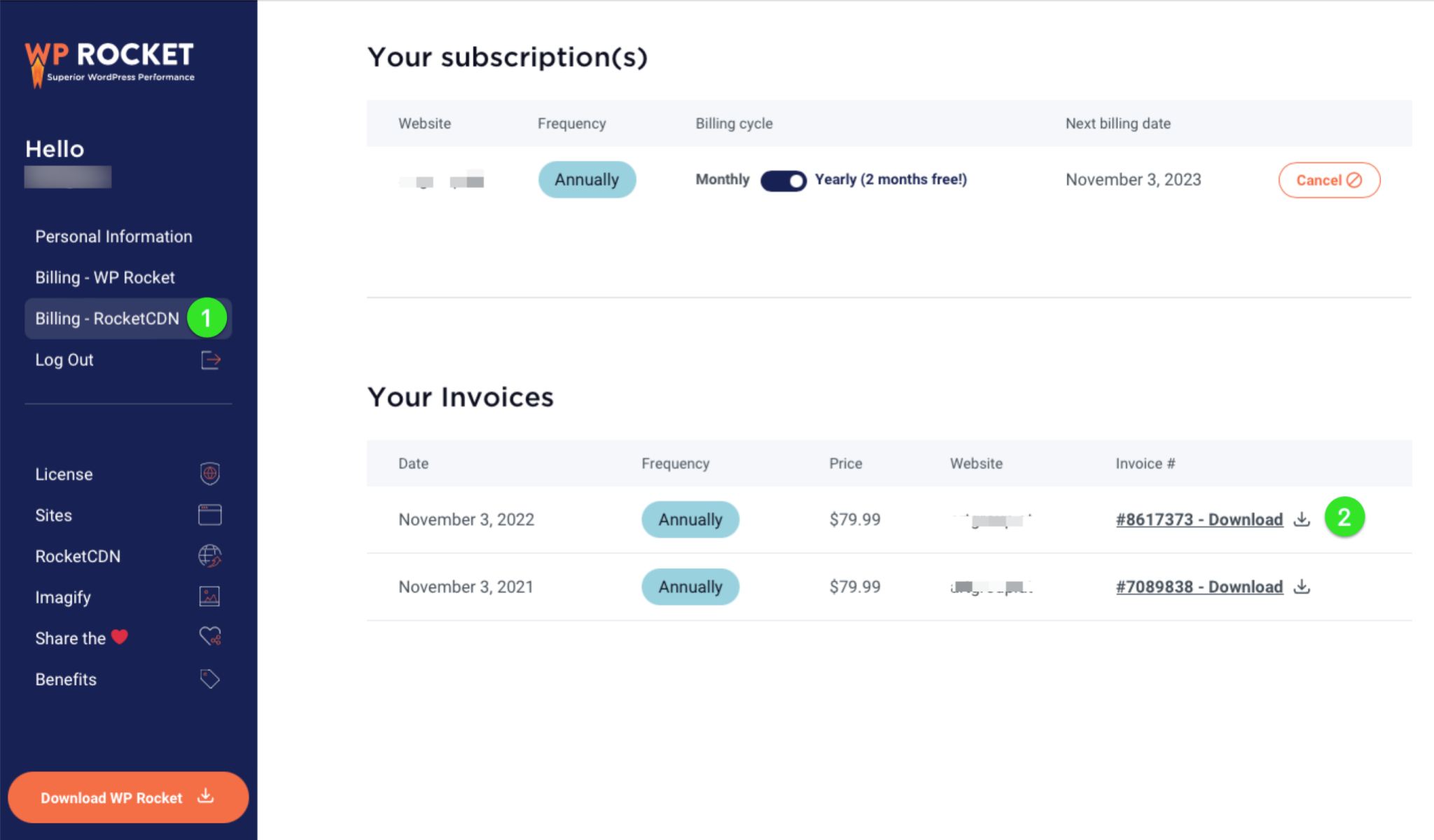
- Select Billing – RocketCDN in the left side-bar menu. You will see Your subscriptions history and Your invoices under
- At the end of each line, you’ll see the Download link: Click on it and save your invoice (it’s a .pdf file).
Note: Invoices are only available in US Dollars because that is the only currency we use for all of our product prices, billing charges, and invoicing.